Showing posts with label free tools. Show all posts

4/21/12

Rainbow Field Action

I am trying to learn Photoshop...It's going slowly, but progress is progress.  Yesterday I was so excited because I created my very own action!  I'm so excited that I decided to share it with you Photoshop-people (do I have any out there?) So here it is, along with a few samples.  The only problem is that the rainbow may be too dark depending on the photo you apply it to, so I would suggest adjusting the opacity of that layer (the very top layer) if you need to.  Oh, and on portrait oriented photos, the rainbow will have to be moved back into the picture.


Blessings,
Alyssa


12/19/11

Texture Layers

Today, I'm going to share another edited photo and its journey.

This is the original picture my sister took.

I first edited it in Picasa 3 by adding a colored tint and preserving a little of the color. (this may not make sense unless you have the program, but, hey, it's free!)  Then I added a glow effect and adjusted the setting until it reminded me of an old picture.

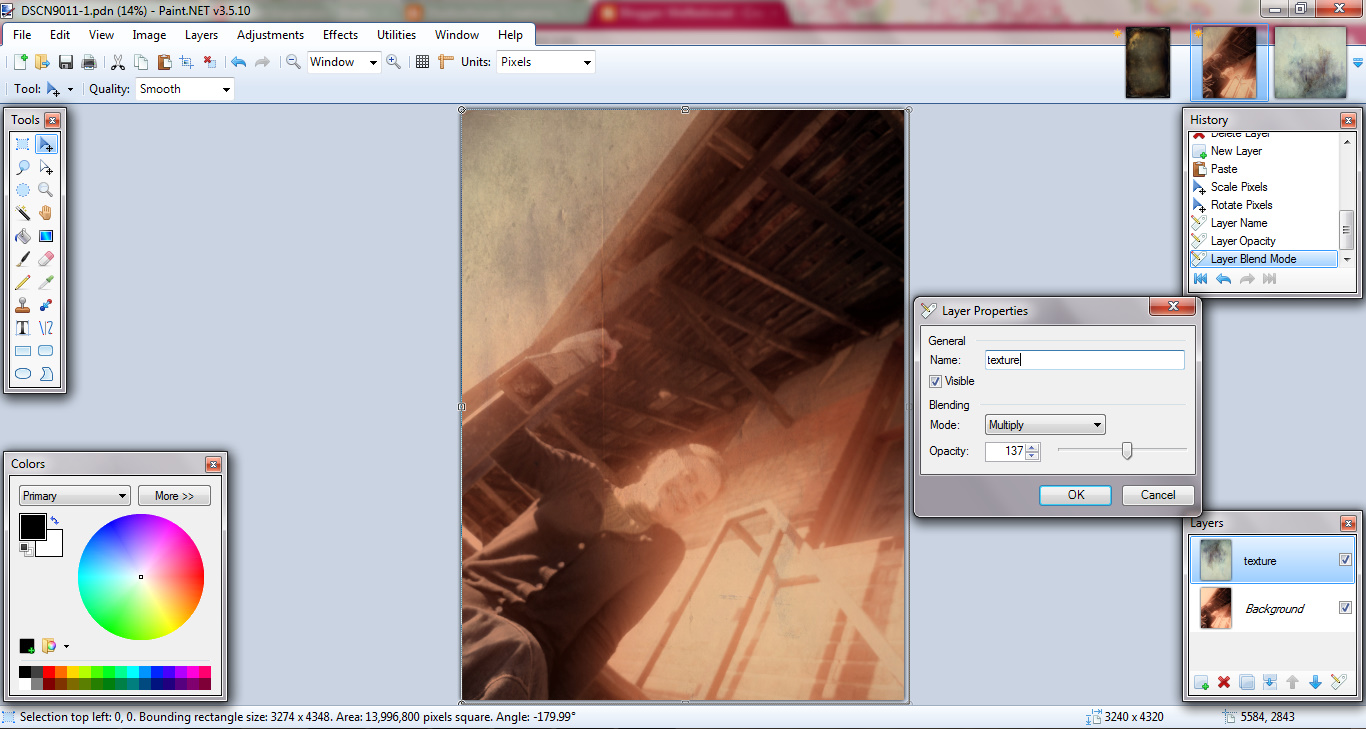
I could have stopped there, but I remembered this awesome website that has free textures, so I headed over there and grabbed a couple.  I was going to look for a winter-y looking one, but I got distracted with all the cool "grunges".  I used Paint.net to open the picture and the texture.  I copied the texture and pasted it in another layer on the picture.  Then I changed the blending mode and the opacity.

[click image for larger view]

This is the second texture with two examples of blending modes.


I think I'm going to enjoy all the textures Shadowhouse creates.  They look so good!

11/4/11

ColourLovers

ColourLovers is a site that has a lot of designing tools.  Their most developed tools are the pallet tools.  I love color, so this site is perfect for me.

9/17/11

Fixing Photos

One of my favorite past times is photo editing.  I enjoy transforming a picture from "meh" to "wow".  I mostly work with free programs and websites.  Here are some of my favorites.

Picnik!

I have not purchased the premium version, but I have fun with layering different effect to get a unique, artistic look.  I just wish that they would develop a way to save a series of edits as custom filter so that I could give a group of photos a unified look.

Rollip!

 This site makes it easy to get a uniform look, but creativity is limited.  You can only apply one filter for one photo, however, the outcome is pretty neat.  It is very quick and extremely simple.
(from the site's public album)
A Japanese site that will age you pics.  It allows for no creativity or choice, but again, the effect is pretty neat.


Picassa
Download this for basic edits and effects.  It's nice for touch-ups or fixes.
Download this if you can't afford Photo Shop.  It's not as tech-y, but it has similar tools.  Use layers and filters to fix you photo.